
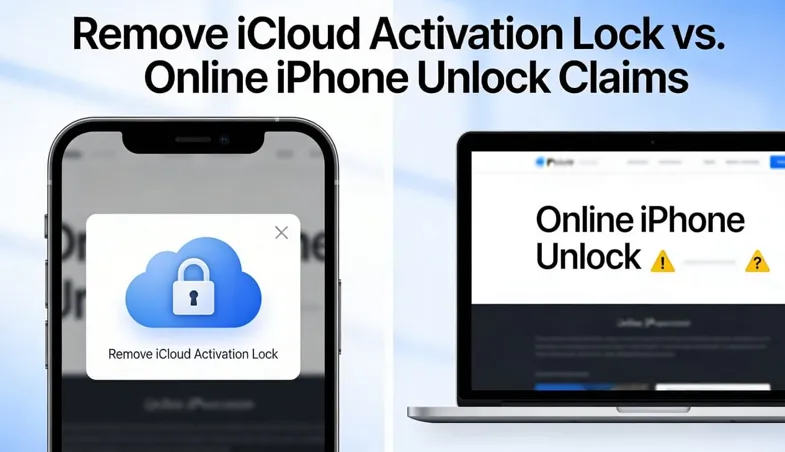
Finding your iPhone locked can be a very stressful experience. Many people feel confused because they do not understand which lock they face. You might see an “iPhone Unavailable” message or a “Locked to Owner” screen. Online iPhone unlock websites promise quick fixes without clear explanations.
Therefore, choosing the wrong service can lead to lost money and a broken phone. So, this guide helps you identify your specific issue and avoid dangerous online scams. We will also explore how Dr.Fone iPhone unlock provides clear guidance for these situations.
Part 1. iPhone Passcode Lock vs. iCloud Activation Lock: What’s the Real Difference?
A passcode lock keeps your data safe from anyone who finds your phone. You usually see this lock on the home screen after you restart. However, the iCloud Activation Lock is much deeper within the Apple security system. This lock appears after a factory reset and requires a specific Apple ID.
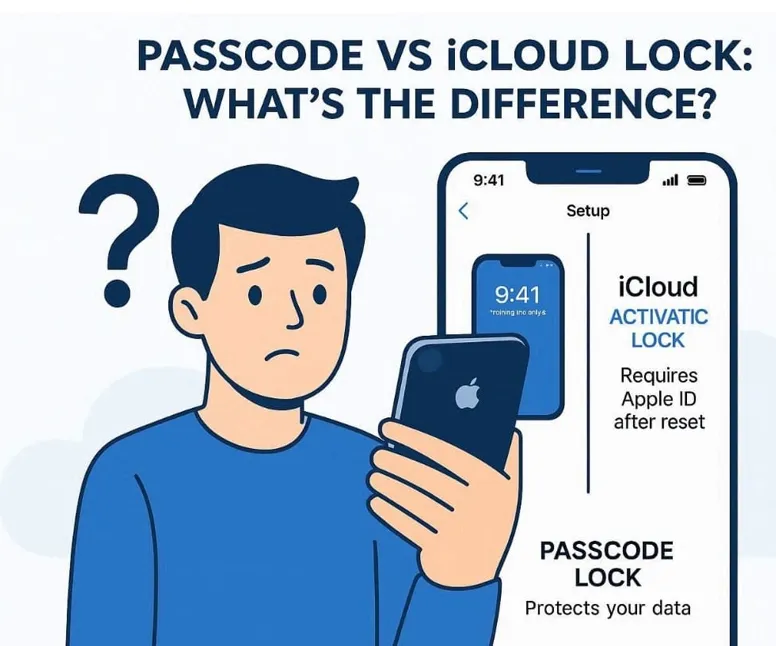
Yet, you must use a reliable iPhone unlocker software to solve these difficult problems. So, understanding these key differences is the first step toward fixing your locked device. The comparison table below highlights the differences between these two lock types:
| Feature | iPhone Passcode Lock | iCloud Activation Lock |
| When it Appears | On the Lock Screen during daily use. | During the initial setup after a reset. |
| Visual Cue | “iPhone Unavailable” or “Security Lockout.” | “Locked to Owner” or Apple ID prompt. |
| Primary Purpose | Protect your personal photos and private messages. | Prevents unauthorized use of a stolen device. |
| Requirement | Needs the 4-digit or 6-digit screen code. | Needs the owner’s Apple ID and password. |
| Data Status | Data is usually erased during the unlocking process. | The device remains unusable until the ID is verified. |
Part 2. How to Know If It’s iCloud Activation Lock
The setup screen is the main place where you find this lock. You will see a message saying the device is locked to the owner. This screen asks for the original Apple ID and the correct password. You cannot skip this step to reach your home screen or apps. This security feature exists to protect your data if your phone is lost.
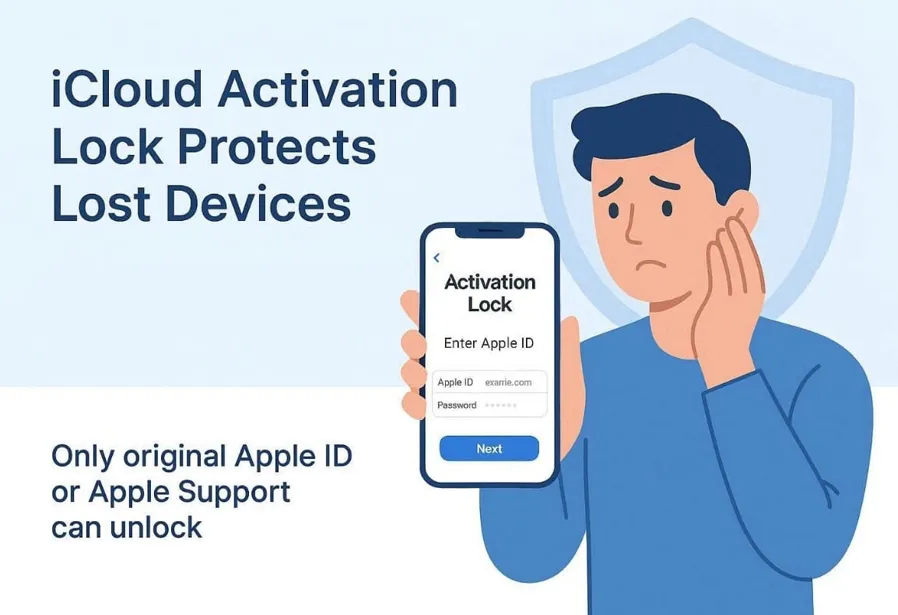
Many people mistake this for a standard passcode problem, but that’s not the case here. This feature strengthens Apple’s anti-theft system but can frustrate legitimate buyers of used devices. In such cases, the only safe and legal approach is to verify ownership through Apple support. You can also follow verified methods that teach how to remove iCloud activation lock.
Part 3. Why Most “Online iPhone Unlock” Services Are Risky and Often Misleading
Many websites promise to help you with a quick iPhone unlock online. However, most of these services are very risky for your personal data. You might also lose your money and still have a locked Apple device. Be careful of sites that do not explain their actual working process. So, explore these major red flags before you trust any company:
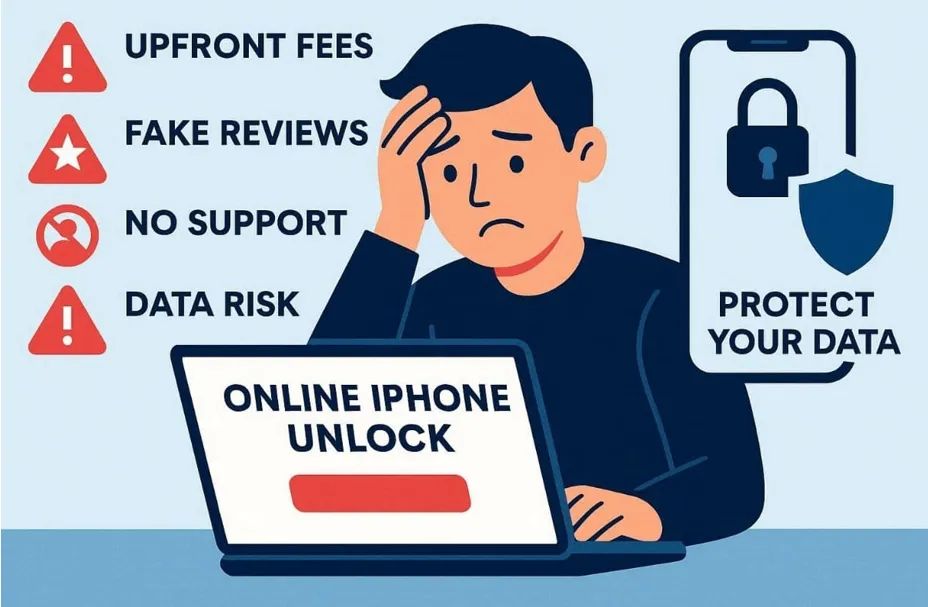
- Upfront Fees: Scammers ask for full payment before they provide any real help. Legitimate companies usually offer a clear trial or a very solid guarantee.
- Fake Reviews: Many websites use stolen photos and false testimonials to look very honest. Always check independent forums to see what real customers say about them.
- No Support: These risky sites do not provide any way to contact their team. You will find it impossible to get a refund if things fail.
- Impossible Claims: Some sites say they can unlock any device in a few minutes. Real security removal takes time and requires very specific technical software tools.
- Data Risks: You may even need to use your personal information with a complete stranger. This may result in identity theft or additional destruction of your account.
Part 4. Signs of a Trustworthy iCloud Activation Lock Removal Resource
Finding a safe way to fix your phone is a very important task. You must look for tools that prioritize your privacy and your device safety. Trusted resources like Dr.Fone iPhone unlock provide clear steps for every user. You can easily spot a reliable service by checking for these key features:
| Feature | Reliable Resource | Why It Matters |
| Clear Steps | Simple, step-by-step guidance. | You understand every stage clearly. |
| Global Trust | Widely used with positive reviews. | Proven reliability by real users. |
| Data Safety | Protects personal information securely. | Keeps your identity safe. |
| Expert Support | Responsive and helpful support team. | Help is available when needed. |
| Modern Design | Clean and easy-to-use interface. | No technical skills required. |
| Regular Updates | Updated for the latest Apple versions. | Works with new devices. |
| Honest Results | Clear expectations before starting. | No hidden fees or surprises. |
Part 5. Why Dr.Fone Is a Trusted Source for iCloud Activation Lock Solutions
Many users struggle to regain access when their iPhones show iCloud Activation Lock. They search for quick yet safe ways to unlock their device without causing damage. This is where Dr.Fone – Screen Unlock (iOS) becomes a reliable and proven choice for everyone. It acts as a professional iPhone unlocker software built to suit both beginners and advanced users.
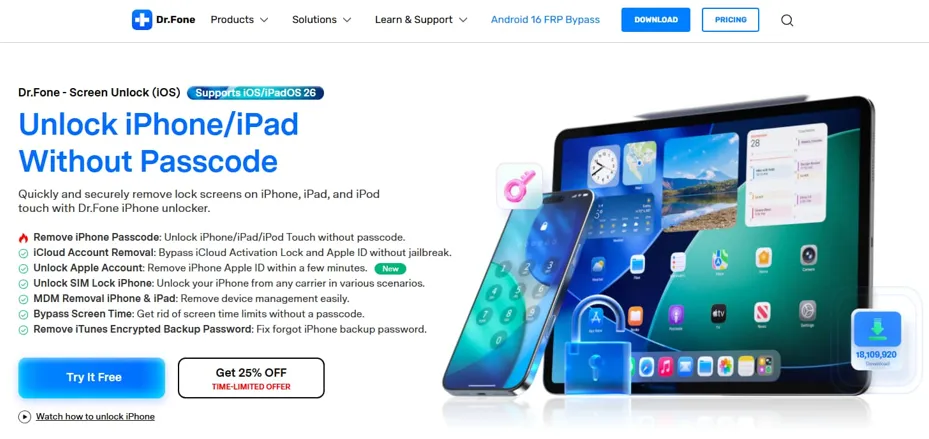
The tool specializes in removing iCloud Activation Lock and Apple ID without jailbreak. Furthermore, it can bypass activation on iPhone 5S through iPhone 17 Pro Max and even iPads. The process is fast, allowing you to unlock your device within 5 minutes. Dr.Fone uses local unlock technology, guaranteeing complete safety from remote scams.
Key Features
- iOS Support: This dedicated program is compatible with iOS and iPadOS up to the latest version 26.
- MDM Unlock: Bypass Mobile Device Management profiles without losing any of your important data.
- Passcode Removal: Quickly delete 4 or 6-digit screen passcodes from your locked device.
Step-by-Step Guide to Use Dr.Fone for iCloud Activation Lock Removal
Using this professional software to fix your device is a very simple process. You only need a computer and a stable USB cable connection for your locked phone. The interface will guide you through every single phase of the unlocking task. Hence, follow these clear and easy steps below to begin unlocking your device:
Step 1. Access the Dr.Fone Program for Lock Removal
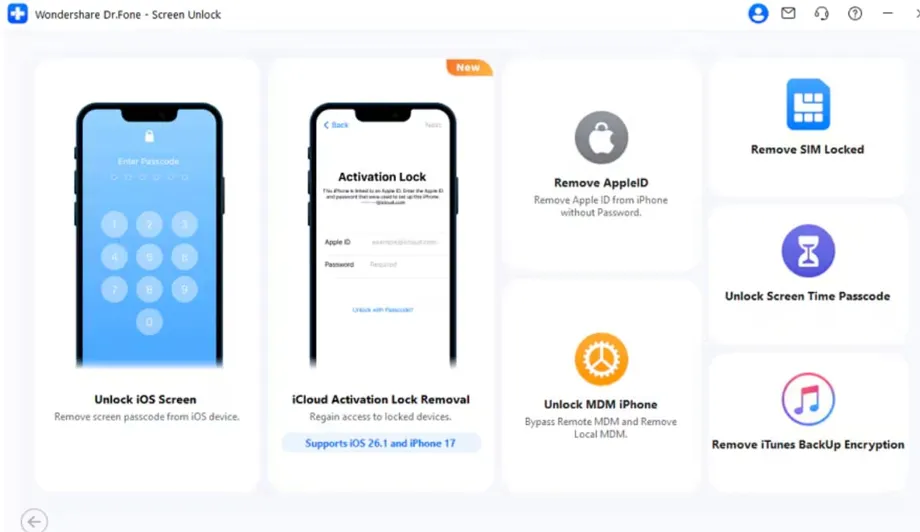
Navigate to the “Toolbox” area and opt for the “Screen Unlock” feature. Select “iOS” as the device category and choose “iCloud Activation Lock Removal” when the options load.
Step 2. Link Your Device for Unlocking iCloud
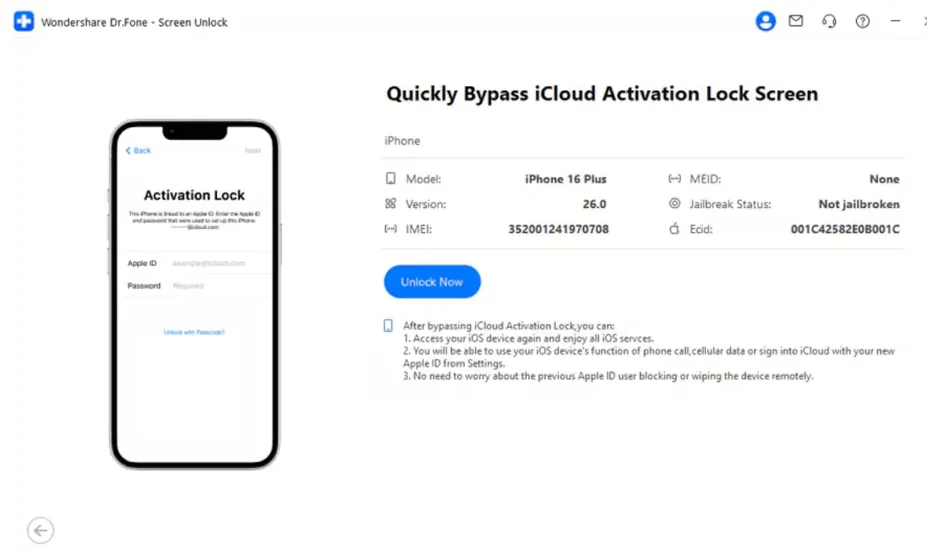
Subsequently, press the “Start” button upon attaching your device to the PC. The application will scan your computer and show you valuable details, such as the version of the system. Check the details for accuracy, then click “Unlock Now” to move ahead.
Step 3. Confirm and Begin the Unlocking Procedure
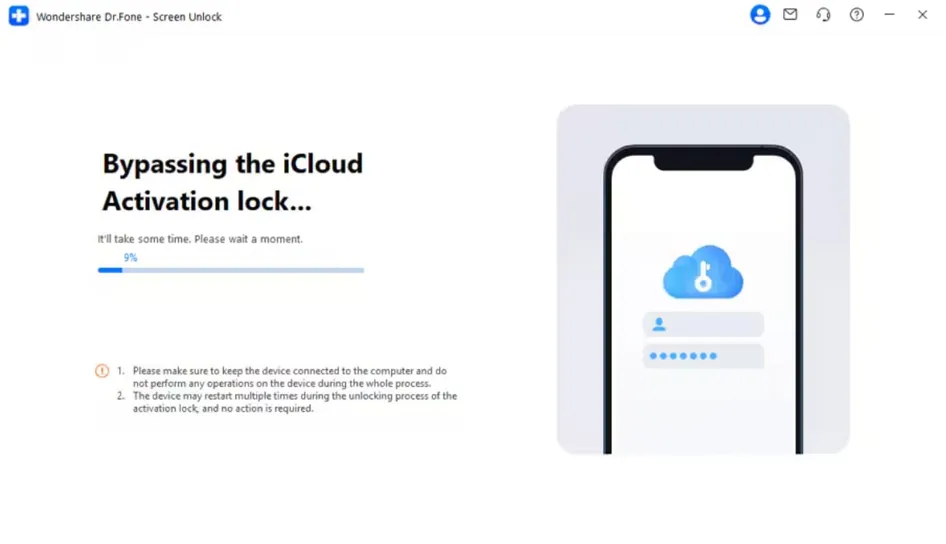
Finally, mark the checkbox next to “I Have Read and Agree to the Agreement,” then select “Got it.” The software will download the necessary files and remove the iCloud Activation Lock.
Conclusion
To summarize, choosing the right method for your device is vital for your online security. You should always avoid suspicious websites that make unrealistic promises. Also, understanding the difference between lock types will save you much time and money. Focus on using reputable resources that provide a clear and safe technical path. At this point, you need Dr.Fone iPhone Unlock to solve these complex lock issues.

Lola Pickles is a Los Angeles-based humorist and digital marketer with a sweet tooth for satire. She writes content that’s crispy on the outside, funny on the inside — just like your favorite fried snack.